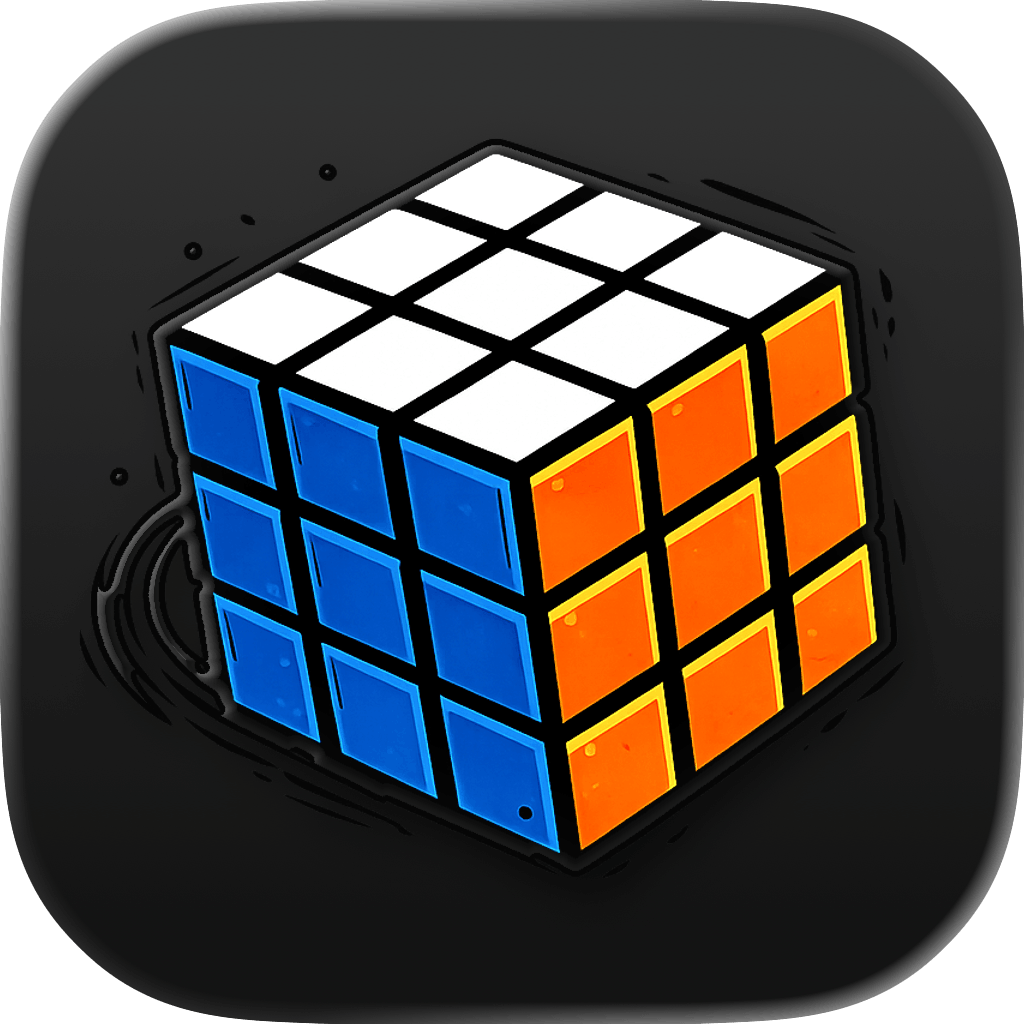
The 2x2 cube looks easier than a 3x3 because it has fewer stickers, but it can still be confusing. There are no center stickers, so orientation is less obvious, and every visible piece is a corner.
Rubix Solver includes a 2x2 solver for pocket cubes. Choose 2x2, enter four stickers on each face, tap solve, and follow the animated move sequence.
What makes 2x2 solving different
A 3x3 cube has center pieces that define which color belongs to each face. A 2x2 cube does not. That means a solver has to use a fixed color mapping and the sticker positions you enter.
For users, the important part is simple: enter colors carefully and keep the cube orientation consistent while switching faces.
When to use a 2x2 solver
- You want to reset a pocket cube quickly.
- You are learning 2x2 notation and want a visual reference.
- You know the 3x3 beginner method but the 2x2 cases still feel unfamiliar.
- You suspect the cube was twisted or reassembled incorrectly.