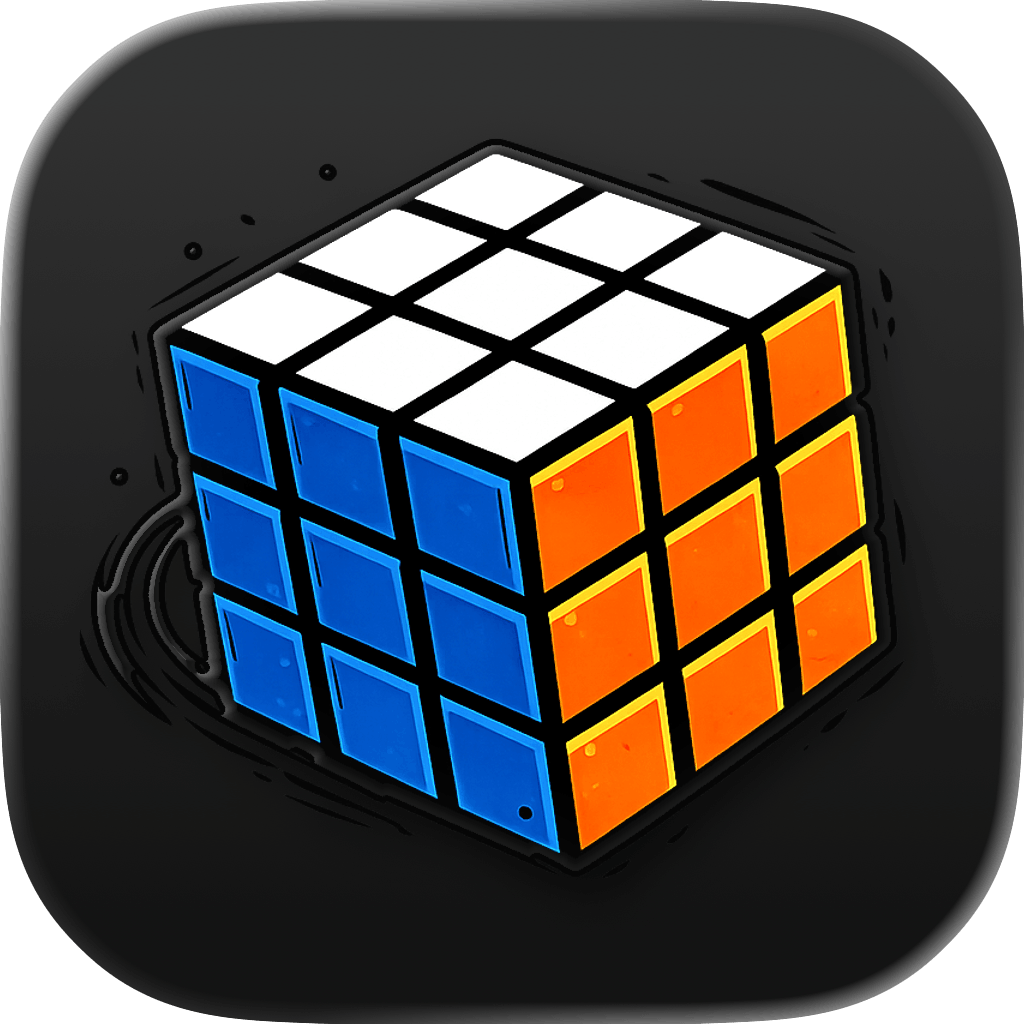
A 3x3 cube solver needs all 54 stickers to be entered correctly. That sounds tedious, but the process is simple if you keep the cube orientation consistent and move face by face.
Rubix Solver is designed to make that process visual. You paint the stickers, preview the cube, solve it, and follow the move animation.
Start with the centers
On a 3x3 Rubik's Cube, the six center stickers never change position relative to each other. They define the color scheme. That is why a solver can use centers to understand which color belongs to U, R, F, D, L, and B.
Before entering stickers, look at the center colors and keep the cube oriented the same way while moving through each face.
Check the counts
Each color must appear exactly nine times on a 3x3 cube. If red appears ten times and blue appears eight times, the cube state cannot be solved because the input is not a real cube state.
Good solver apps catch this early. Fixing a count issue before calculation saves time and frustration.
Follow the move string visually
Move notation can look cryptic: R U R' U'. The apostrophe means turn counterclockwise. The animation in Rubix Solver helps bridge that gap by showing the rotation instead of asking you to decode every symbol from memory.
Common input mistakes
- Entering the back face while holding the cube from a new angle.
- Swapping orange and red under warm lighting.
- Rotating the bottom face in your hand and forgetting the preview orientation.
- Assuming a cube is impossible before checking every sticker.